
Accounts Payable Automation Without an ERP Connector
Lacking a native connector doesn't mean you need to replace your ERP. Compare three approaches to AI-powered accounts payable automation and learn which controls to require before signing a contract.
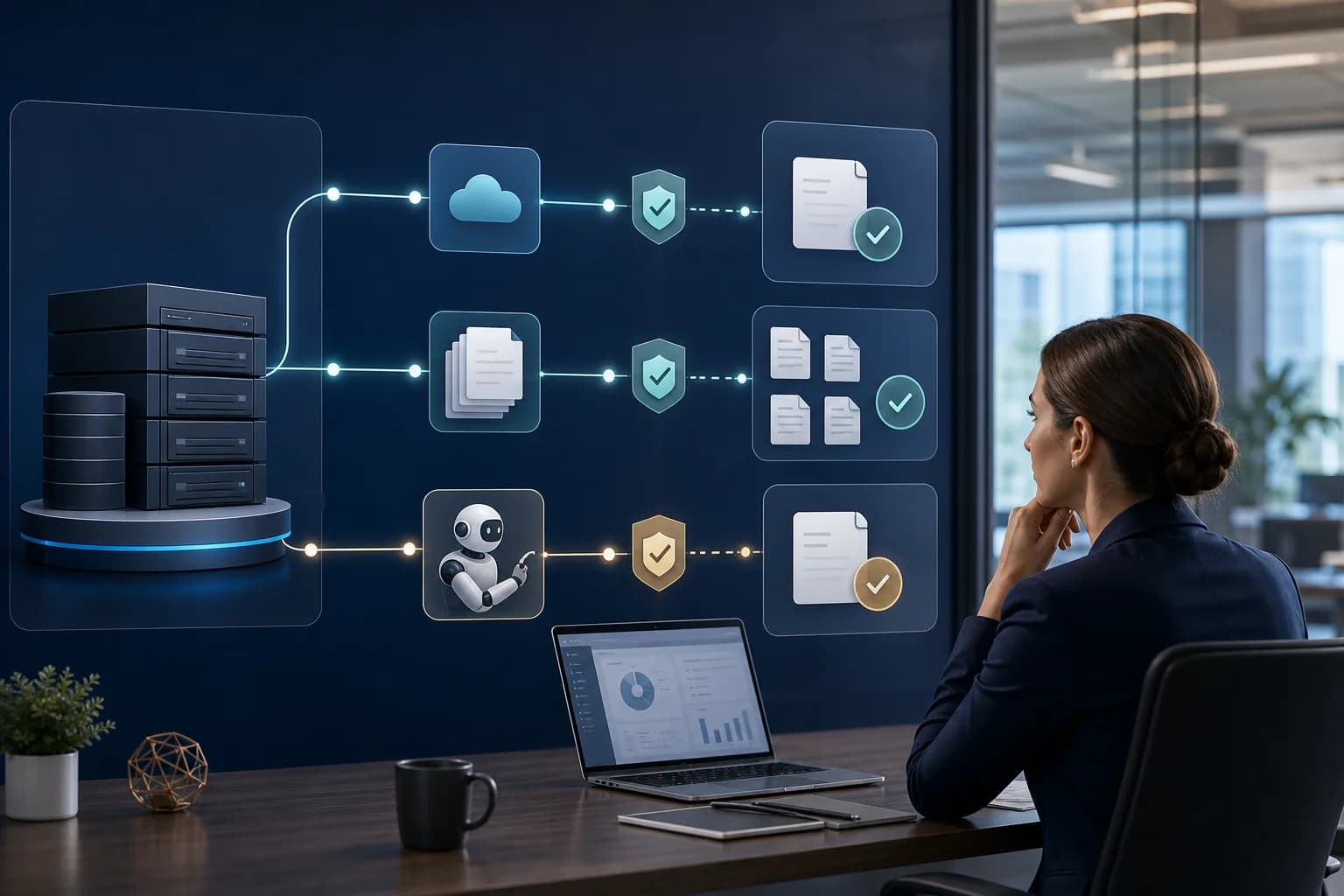
Accounts payable automation may be feasible even if your ERP doesn't have a native connector for the AI tool you're evaluating. The decision depends on how it lets you retrieve and record information, which controls it preserves, and how you'll verify that each operation completed successfully. A demo that captures an invoice isn't enough: the solution also needs to work when there are rejections, interruptions, or version changes.
The IBM Integration Intelligence Hub announcement from October 26, 2026 reinforces an important precaution: identify existing integrations, owners, and dependencies before modifying connections. IBM plans to introduce it initially as a SaaS capability; the announcement does not confirm general availability. For a Mexican business, the practical takeaway is to review what's already working before adding AI, without assuming it needs to replace its ERP.
1. Accounts payable automation: define the integration scope first
No native connector doesn't mean no integration options. A connector is a preconfigured connection; without one, you may be able to use an available API, scheduled imports, or screen automation. However, each option has different requirements.
Start by defining the scope: looking up vendors and purchase orders, creating a draft document, requesting approval, or recording a payable. Releasing payments is a separate operation and should be evaluated independently.
Before designing an AI integration, bring together finance, IT, and the ERP owner to review:
- The system's version, deployment model, and customizations.
- Available interfaces, licenses, and vendor restrictions.
- The master data, entities, currencies, and required fields involved.
- Existing connections with purchasing, warehouse operations, accounting, and treasury.
- The people responsible for authorizing changes and handling incidents.
AI can suggest classifications or explain exceptions. Transmitting, validating, and confirming records should rely on verifiable rules and mechanisms, not solely on AI responses.
2. Three approaches: APIs, scheduled files, and interface automation
No single approach is best for every situation. Choose the one that lets you complete the process with sustainable controls, not just the one that's fastest to demonstrate.
| Approach | When to evaluate it | How to confirm the record | Main maintenance needs |
|---|---|---|---|
| API | The ERP exposes the required operations | Response and lookup of the created document | Versions, permissions, and usage limits |
| Scheduled files | Supported imports and exports are available | Row-level results and subsequent lookup | Formats, master data, and schedules |
| Interface automation | No supported interface is sufficient | Document reference number and subsequent verification in the ERP | Screens, sessions, and updates |
APIs: a direct connection, but with verified capabilities
An API lets two systems exchange information through defined operations. Before signing a contract, verify that it can write the required document, not just retrieve data, and that it supports your company's custom fields.
Ask about authentication, request limits, and a test environment. An “accepted” response may indicate that the ERP received a request, not that it has recorded the payable. The design needs to account for that difference.
Scheduled files: batch integration with traceability
If the ERP imports files, you can schedule exchanges using CSV, XML, or another supported format. This approach can work when the business can wait until the next processing cycle.
Require an identifier for each batch and document, secure transfers, and row-level results. “File received” does not mean “all records accepted.” There also needs to be a return path to communicate rejections, document reference numbers, and statuses.
Interface automation: an option that depends on stability
Robotic process automation, or RPA, operates the ERP's screens. It can be useful when no other interfaces are sufficient, provided its use is authorized and complies with access policies.
It is sensitive to screen changes, unexpected windows, and expired sessions. It must stop when it encounters unfamiliar situations, without bypassing authentication or controls. A custom software component can coordinate these tasks, but it doesn't eliminate their maintenance requirements.
3. Synchronization and confirmation: sent doesn't mean recorded
Define which system is authoritative for each data element. For example, the ERP may be the system of record for vendor master data and accounting status, while the automation layer retains requests and workflow evidence.
Then establish the update frequency. If an invoice is approved using outdated information, it could use a disabled general ledger account or a blocked vendor. Revalidate critical data before recording it.
Each operation should have a tracking identifier and clear statuses:
- Prepared and validated.
- Pending approval.
- Sent to the ERP.
- Confirmed with a document reference number, or rejected with a reason.
- Pending reconciliation when the outcome is uncertain.
If the connection drops after submission, don't retry blindly. First, check whether the document exists. The integration needs idempotency: preventing a repeated request from creating another record. When the ERP doesn't provide it, the provider must explain how it will control duplicates and concurrent requests.
Include periodic reconciliation between submitted operations and recorded documents. This helps identify pending items that an isolated notification might miss.
4. Errors and approvals: preserve financial control
Separating technical errors from business exceptions helps prevent automating the wrong decisions. A temporary interruption might allow limited retries; a closed accounting period, an amount discrepancy, or a blocked vendor requires different handling.
Define an exception queue with a cause, owner, evidence, and next action. If a batch contains both valid and rejected documents, reprocess only the pending items, with duplicate controls in place.
For approvals, agree on:
- Who can prepare, approve, and record each operation.
- Which amounts or conditions require additional review.
- Which changes invalidate a previous approval.
- How approval authority is delegated during absences.
- Where evidence of who approved and which version they reviewed is stored.
AI can recommend a general ledger account or flag inconsistencies, but it shouldn't turn that recommendation into financial authorization by default. Integration permissions should be limited to the agreed-upon operations; recording a liability must not automatically enable its payment.
5. Test feasibility before scaling
A useful accounts payable pilot without a native connector demonstrates the entire process, not just initial data capture. Limit it to one entity, one document type, and a controlled group of users.
Test normal cases and deliberate failures: a nonexistent vendor, a duplicate document, a denied approval, an expired session, a partially accepted batch, and an interruption after submission. For each case, define the expected outcome and how to recover without losing traceability.
Evaluate time to confirmation, manual intervention, unresolved exceptions, and reconciliation with the ERP. Agree on acceptance criteria before development, based on your operational needs.
An AI process automation initiative should also deliver documentation, alerts, and a contingency procedure. Define who will test the connection after an ERP update and how manual work will resume without creating duplicate records.
6. Vendor evaluation questionnaire
Ask for answers backed by technical evidence or a demonstration using your ERP version:
- Scope: Which operations can you query and record, and which are excluded?
- Dependencies: Which existing connections could be affected?
- Approach: Why do you recommend APIs, files, or interface automation for our situation?
- Synchronization: How often do you update master data and statuses?
- Confirmation: What evidence proves that the ERP created the document?
- Duplicates: What happens if we resend a request or the response is lost?
- Errors: How do you handle partial rejections, and who resolves each exception?
- Approvals: How do you preserve permissions, segregation of duties, and audit logs?
- Maintenance: Who adapts the integration when the ERP changes, and under what terms?
- Continuity: What documentation, access, and data do we receive if the service ends?
If an answer amounts to “AI handles it,” the specification is incomplete. Ask for limits, deliverables, and responsibilities in writing.
7. Conclusion: integrate without losing traceability
Accounts payable automation without a native connector can use your current ERP, as long as there is a supported or authorized way to perform operations and confirm results. The best decision balances synchronization, financial controls, error recovery, and maintenance.
Before committing to a platform, validate the connection with a narrowly scoped process. At Slashweb, we can review your ERP, available interfaces, and workflow dependencies. Request a feasibility assessment to identify an integration approach and define what to test first.
Frequently asked questions
Do I need to purchase an accounts payable platform to integrate AI?
Not necessarily. You can evaluate a specialized platform or a custom solution, depending on the functionality you need. Compare both options in terms of integration, controls, support, and how easily you can retain your data.
Can AI connect directly to the ERP database?
Technical access doesn't mean it's a supported approach. Writing directly to tables can bypass validations and compromise system integrity; prioritize interfaces documented and authorized by the vendor. For queries, review permissions and the impact on operations.
What costs should I consider beyond implementation?
Request a breakdown of licensing, infrastructure, AI service usage, monitoring, and support costs. Also ask how adjustments for new ERP versions, file format changes, or additional entities are priced.
What financial information should be sent to the AI model?
Only what's necessary for the defined task—not the entire file or ERP database. Before going live, agree on which data is excluded or masked, where it is processed, and how long it is retained. Also review the data usage terms of the service you're purchasing.
Slashweb
Want to apply this in your company?
Book a free call with a specialist and get a tailored proposal.