AI Agents vs. Chatbots: Differences and When to Use Each
A chatbot follows a conversation; an agent can coordinate actions to achieve a goal. Learn their differences, limitations, and how to choose the right solution for your business.

Choosing between AI agents and traditional chatbots isn't about buying the most advanced technology. It's about identifying what your business needs to solve: answering questions, guiding someone through a procedure, or executing a process that requires looking up information and deciding between different actions.
Confusion arises because both can converse through WhatsApp or a website. However, a similar interface can hide very different capabilities, operating costs, and risks. This guide helps you distinguish between them and choose based on process complexity, exceptions, and the level of control required.
1. AI agents and chatbots: the difference is how they work
A traditional chatbot operates primarily through rules, menus, and predefined intents. It can identify a request, ask for information, and follow a previously designed workflow. It can also connect to systems: checking an order's status through an API does not, by itself, make it an agent.
An AI agent uses a model to interpret a goal and select steps or tools within established limits. For example, it can review an order, identify missing information, consult a policy, and prepare a proposed solution.
There is an intermediate category: the generative AI assistant that drafts responses or consults documents but does not execute actions. Conversing naturally is not the same as having autonomy.
| Criterion | Traditional chatbot | AI agent |
|---|---|---|
| Core logic | Predefined workflows and rules | Dynamic selection of steps based on context |
| Unexpected requests | Requires predefined paths or escalation | Can interpret variations, but can also make mistakes |
| Integrations | Programmed queries and actions | Tools selected within defined permissions |
| Control | Greater predictability along supported paths | Requires additional validations and limits |
| Best fit | Repetitive, stable processes | Variable tasks involving multiple information sources |
The difference between a chatbot and an AI agent isn't simply that one responds and the other acts. Both can execute actions; what changes is how much of the workflow is defined in advance.
2. When a traditional chatbot makes sense
A chatbot is usually sufficient when you know the most common requests and can define responses using clear rules. It's especially useful if the process rarely changes and exceptions should go directly to a person.
Some examples:
- Initial support: sharing business hours, locations, and requirements for signing up for services.
- Request intake: asking for a name, the service needed, and contact information before creating a record.
- Specific inquiries: displaying an order's status after verifying the customer's identity.
- Guided procedures: collecting documents through a known sequence.
Imagine a service company that receives requests for three types of maintenance. If each service requires the same information, a conversational form can handle intake without an agent.
Its main advantage is predictability. Its limitations become apparent when people describe situations that don't fit the available paths. At that point, it's better to offer a clear route to human support rather than endlessly adding menus.
3. When an AI agent makes sense
An agent makes more sense when the outcome depends on interpreting variable information and coordinating multiple steps. A high volume of conversations alone isn't enough: there must be a task complex enough to justify that capability.
Consider these hypothetical scenarios:
- Logistics: after a failed delivery, reviewing the history, identifying missing information, and preparing permitted rescheduling options.
- Professional services: analyzing a request, comparing it against the service catalog, and preparing a preliminary scope for sales review.
- Purchasing: comparing a requisition against internal policies and inventory, and requesting clarification before generating a draft order.
In these cases, the agent can change its next step based on what it finds. But it needs reliable information, available tools, and an explicit definition of what it is allowed to do.
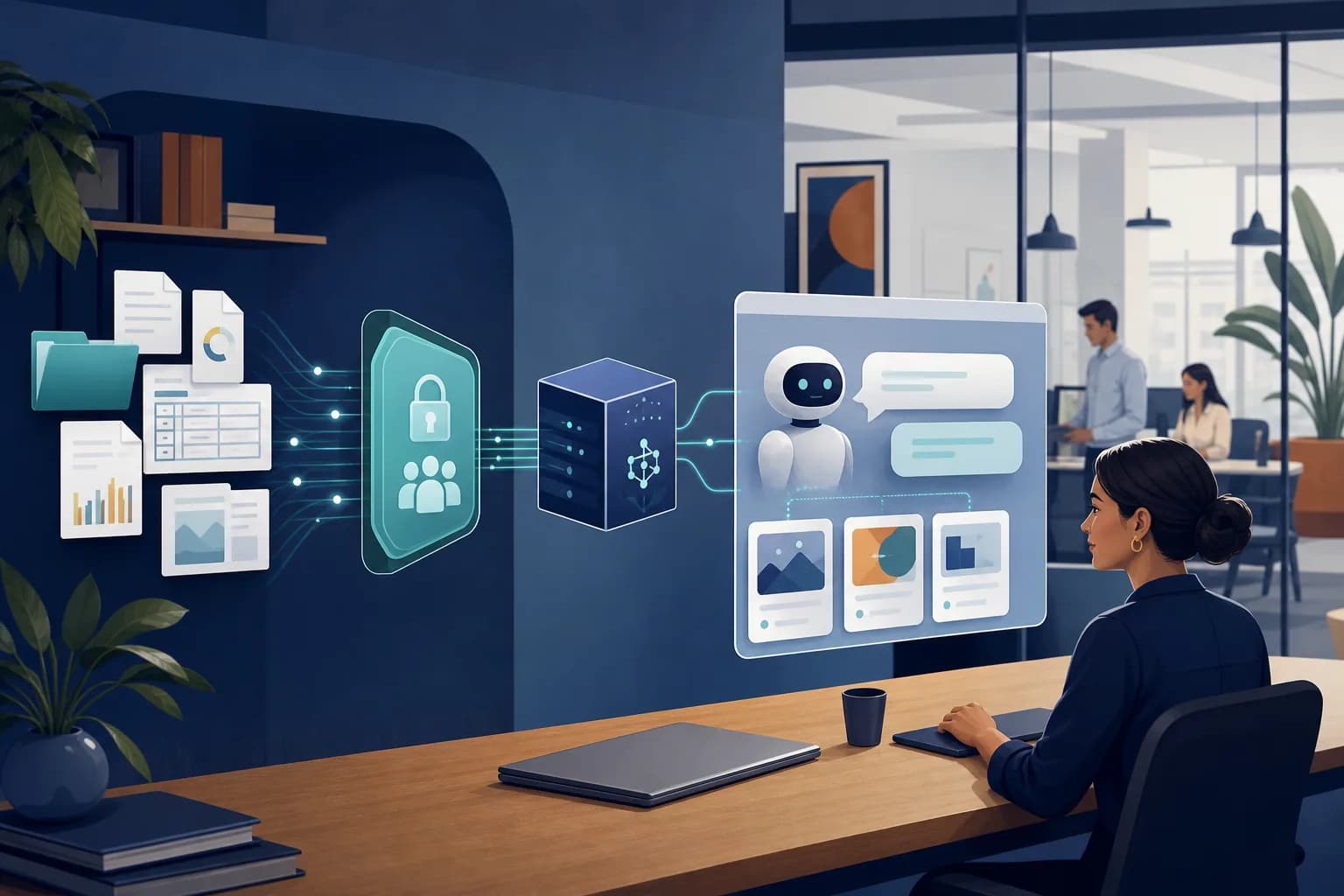
If your process depends on a CRM, ERP, or internal systems, AI integration must account for authentication, permissions, and error handling. A capable model does not compensate for an incomplete integration or contradictory data.
4. Autonomy does not mean operating without oversight
When evaluating autonomous agents for businesses, it's best to treat autonomy as a permission granted in stages, not as a feature you turn on across the entire company.
You can establish three levels:
- Information access and recommendations: accesses authorized information and proposes a response without modifying records.
- Execution with approval: prepares an action, and a person confirms it before execution.
- Bounded execution: performs specific, reversible actions within verifiable rules.
For example, creating an internal task does not have the same impact as issuing a refund. The second action may require authorization, amount validation, and additional controls.
These limits must be implemented in the systems, not just written into the model's instructions. You also need to log what information the agent accessed, which tool it used, and what the outcome was.
Customer messages and retrieved documents must be treated as data, not as instructions that can change permissions. Also, if an integration fails, the agent must not claim it completed the operation: it must verify the outcome and escalate when appropriate.
5. How to choose without overengineering the solution
Before hiring a provider, answer these questions with the process owner:
- Is the workflow stable? If almost all requests follow the same steps, start with rules.
- Do you need to interpret documents or open-ended explanations? You may need a generative AI assistant without giving it permission to act.
- Does the next step depend on multiple results? An agent may add value.
- What happens if it makes a mistake? The greater the impact, the greater the need for validations and human approval.
- Do your systems allow secure data access and updates? If not, address that foundation first.
Combining technologies is also a valid approach: a chatbot identifies the user, an agent analyzes the situation, and a deterministic workflow executes the approved operation. An AI agents and chatbots solution should serve the process, not force everything into a single architecture.
6. Validate with a pilot and measure the complete outcome
Choose a narrowly defined use case with a business owner. Document how it works today, where it stalls, and what you will consider a correct outcome. Avoid starting with a broad promise such as “automate customer support.”
A useful pilot follows this sequence:
- Gather representative requests: include common, ambiguous, incomplete, and out-of-policy cases; use anonymized data whenever possible.
- Define the scope: authorized sources, permitted actions, escalation conditions, and acceptance criteria.
- Test without modifying production: compare responses or proposals against the expected resolution.
- Enable actions gradually: establish how to stop the system and return to the manual process.
- Review results and exceptions: adjust rules, integrations, or knowledge before expanding usage.
Measure correct resolution, total handling time, justified escalation, and rework. Include human oversight time: a brief conversation isn't an improvement if someone later has to correct its effects.
When evaluating AI process automation, also consider integration, maintenance, model usage, and monitoring. The relevant comparison is cost per correctly resolved case, not just cost per message.
7. Conclusion: choose the least complex solution that solves the problem
Traditional chatbots work well for stable workflows. AI agents can offer flexibility when you need to interpret context and coordinate actions, always with permissions, validations, and oversight proportional to the risk.
You don't need to replace everything to get started. Identify a process, test the simplest alternative, and expand only when it demonstrates value. If you want to evaluate which architecture fits your operations, contact Slashweb to review the use case, required integrations, and scope of an initial pilot.
Frequently asked questions
Can I keep my current chatbot when adding an AI agent?
Yes, as long as its platform supports the necessary integrations. You can keep the workflows that work and route only certain requests to the agent while maintaining a human support option.
Does an AI agent need to be trained from scratch?
Not necessarily: many implementations use existing models, instructions, tools, and controlled access to business information. Additional training should address a demonstrated need, not be assumed as an initial requirement.
Who should be responsible for the agent within the company?
It's best to assign a business owner to define outcomes and policies, along with a technical owner for integrations and monitoring. Security and privacy teams should participate based on the data and actions involved.
Can the same agent provide support in Spanish and English?
Yes, if the selected model has those capabilities and the implementation supports both languages. You should test terminology, policies, and support quality separately, especially if you operate in Mexico and the United States.
Slashweb
Want to apply this in your company?
Book a free call with a specialist and get a tailored proposal.