WhatsApp AI Agent: How to Support Customers 24/7
Learn how to connect an AI agent to WhatsApp, your documents, and your CRM or ERP to handle inquiries around the clock, with security controls and human handoffs.

Implementing a WhatsApp AI agent lets you answer inquiries outside business hours and perform specific tasks, such as checking an order or logging a request. But providing 24/7 support does not mean leaving every decision to a model: it requires reliable information, controlled integrations, and a path to human support.
For a business in Mexico, the challenge is not getting the assistant to hold a conversation: it is getting it to resolve issues without inventing policies, exposing data, or promising something the business cannot deliver. This guide explains how to design that integration, from the first use case to pilot metrics.
1. What a WhatsApp AI agent can do
A traditional chatbot typically follows menus and predefined responses. An agent can interpret natural language, retrieve information, and use authorized tools to complete a task. However, not everything needs AI: deterministic workflows remain useful for validation and sensitive operations.
| Need | Recommended approach |
|---|---|
| Display business hours and locations | Verified responses or a simple workflow |
| Explain service requirements | AI with approved documents |
| Check order status | Integration with the operations system |
| Authorize an exception to the return policy | Human review |
For example, when a customer says “my package never arrived,” the agent could request the reference number, verify identity based on the risk, check the logistics system, and open a support case. It should not invent a new delivery date.
The design of AI agents and chatbots for businesses should start with those tasks and boundaries, not just the selected model.
2. Define the scope of your first use case
Avoid starting with “have it answer everything.” Select a common process with clear rules and available data. Good options include order tracking, service guidance, or initial lead capture.
Review real conversations, removing unnecessary personal data, and document:
- Intent: what the customer wants to resolve.
- Minimum data: what the agent needs to help.
- Authoritative source: where it gets the answer.
- Permitted action: look up, record, or update.
- Escalation: when a person needs to step in.
Also define what success means. For order tracking, it could mean providing the correct status without human intervention. For sales, it could mean recording a lead with the required fields and assigning it to the right team.
Set exclusions from the start: special discounts, legal claims, or changes to banking details may remain outside the pilot. Those boundaries make it easier to test the system and identify failures before expanding its scope.
3. Connect WhatsApp to your business systems
For business-grade automation, use WhatsApp Business Platform, through Cloud API or an authorized provider. The WhatsApp Business app alone does not replace this infrastructure. Review Meta’s current requirements for the account, phone number, business name, and applicable verification steps.
Minimum architecture
The typical flow is:
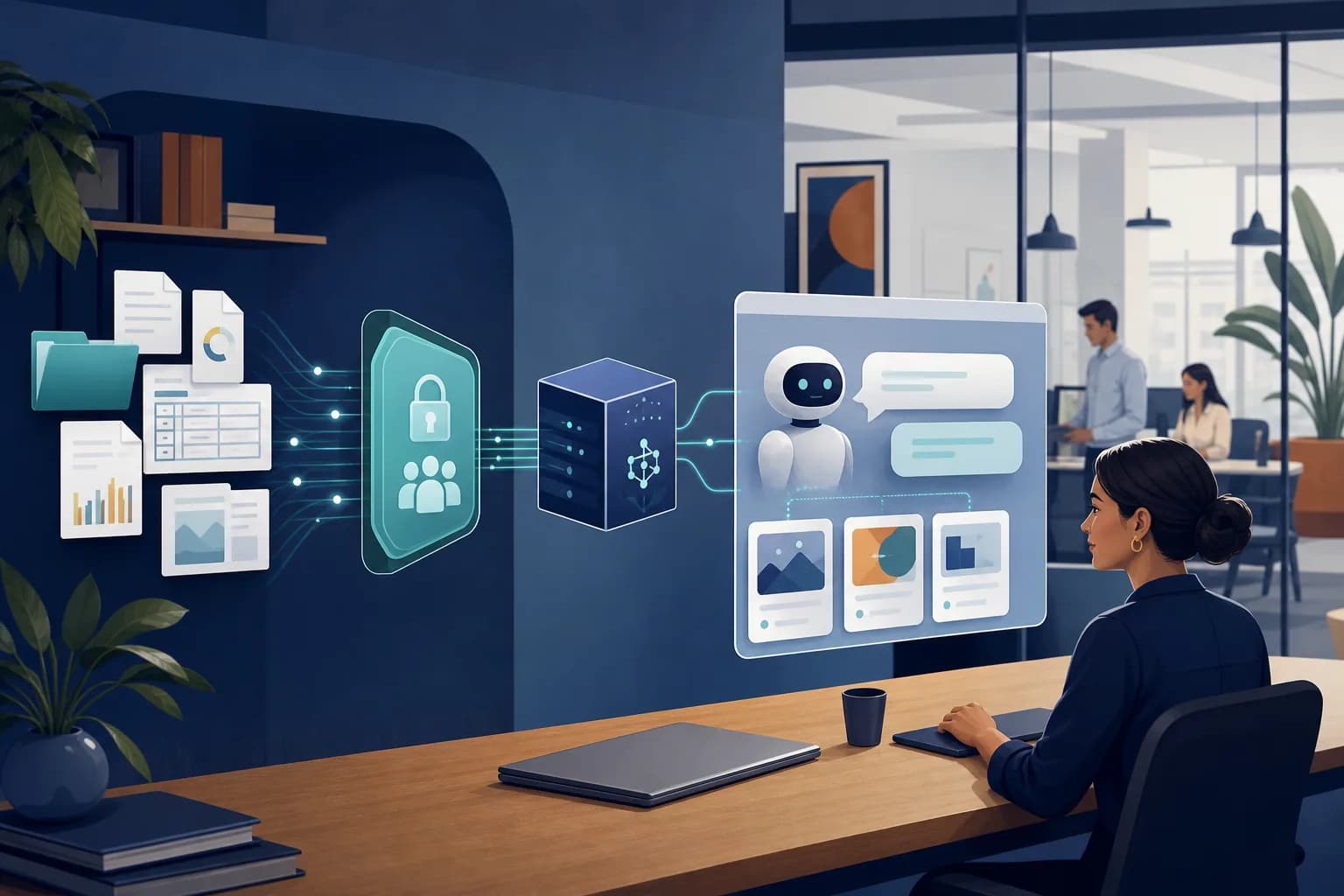
Customer → WhatsApp → webhook → orchestrator → documents or systems → response.
The webhook receives messages. The orchestrator identifies intent, retains the necessary context, and decides whether to retrieve information, run a tool, or transfer the conversation. The CRM, ERP, or ticketing system provides operational data.
Credentials must remain on the server, not inside the model’s instructions. Each tool needs limited permissions and parameter validation. For consequential actions, such as canceling an appointment, request explicit confirmation and verify the result before announcing completion.
Channel rules
WhatsApp’s customer service window generally allows free-form replies for 24 hours after the user’s last message. Outside that window, approved templates and compliance with applicable consent rules are typically required. Verify current policies before launch.
An AI integration with business systems must also account for retries, duplicate messages, and traceability. If an event arrives twice, it must not generate two tickets or two updates.
4. Prepare reliable knowledge and protect data
Uploading documents does not guarantee correct answers. First, clean up policies, catalogs, requirements, and frequently asked questions. Assign an owner and a review date to each source; separate current versions from outdated ones.
To answer questions about internal documents, you can use RAG, a technique that retrieves relevant passages before generating a response. It reduces reliance on the model’s memory, but it does not eliminate errors: it also requires testing and boundaries.
Changing data, such as inventory, balances, or delivery status, must be retrieved from the corresponding system. Last month’s PDF is not an appropriate source for confirming current availability.
Include these controls:
- Identity: do not treat a WhatsApp number as sufficient proof of identity for every operation.
- Access: limit queries to the authenticated customer’s information.
- Privacy: disclose how data is processed and review applicable Mexican legal obligations with legal counsel.
- Retention: define how long to retain conversations and records.
- Malicious instructions: treat messages and documents as data; do not allow them to change system permissions or rules.
When evidence is missing, the agent should acknowledge it and offer a next step rather than fill in the answer on its own.
5. Design a real handoff to people
AI customer support needs a clear path to a human representative. Trigger the handoff when the user requests it, an exception arises, an integration fails, or there is not enough information to respond.
Simply writing “I’m transferring you” is not enough. The integration must create or assign the case and provide the team with:
- The reason for contact and a conversation summary.
- Completed verification steps and only the data strictly necessary.
- Queries or actions performed, along with their results.
- The specific unresolved issue that requires intervention.
While a person is handling the conversation, pause automated replies to avoid conflicting messages.
Outside staffed hours, explain that the request has been recorded and provide the actual support hours. Automated availability does not mean immediate human resolution. If a system is down, avoid confirming pending operations and prepare an alternative way to record the request or retry.
6. Launch a pilot and measure resolution, quality, and cost
Before opening the service to all customers, test representative conversations: typos, ambiguous requests, attempts to access other people’s data, repeated messages, and CRM failures. Include voice messages if they will be in scope.
Compare each result with an expected response or action. Then launch a limited pilot with oversight and a quick way to disable automated actions.
Useful metrics
- Automated resolution: eligible cases resolved without human intervention and without reopening within a defined period.
- Accuracy: correct answers backed by sources.
- Handoffs: reasons for escalation and the quality of the context provided.
- Service time: time to first response and full resolution.
- Cost per resolved case: technology usage and associated operational effort.
A bot that responds quickly but forces the customer to call afterward does not necessarily improve service.
For budgeting, separate implementation, maintenance, current WhatsApp or provider fees, model usage, infrastructure, and support. Cost also depends on API quality and the complexity of permissions.
Once the pilot has been validated, AI process automation can extend to ticket assignment, authorized reminders, or CRM updates while maintaining task-specific controls.
7. Conclusion: start with a process you can control
A WhatsApp AI agent creates value when it combines useful conversation, reliable data, and actions constrained by business rules. The recommended approach is to choose a specific use case, connect authoritative sources, protect information, and measure results before scaling operations.
Slashweb develops custom software and business AI integrations. If you want to evaluate this solution, contact Slashweb to discuss your WhatsApp integration. Share your most frequent inquiries, approximate volume, and current systems to define a feasible initial scope.
Frequently asked questions
Can I keep the WhatsApp number my business already uses?
It may be possible, but it depends on your current setup and the migration or coexistence options available for your account and provider. Before making changes, confirm how conversation history, backups, and service continuity will be handled.
Do I need to train an AI model from scratch?
Many projects do not require it. They use an existing model with instructions, document retrieval, and tools connected to the company’s systems; training or fine-tuning a model requires a specific justification.
What if my business does not have a CRM yet?
You can start with a knowledge base and a simple system for recording requests. It is best to structure the data from the beginning to make future integration easier, rather than leaving all the information solely in conversations.
How long does it take to implement a WhatsApp chatbot for businesses?
The timeline depends on the scope, Meta’s requirements, document availability, and API access. An informational assistant typically requires less work than one that can modify orders; request a phased plan with deliverables and acceptance criteria.
Slashweb
Want to apply this in your company?
Book a free call with a specialist and get a tailored proposal.