
GPT-5.6 Retirement: How to Switch AI Models Without Breaking Your Chatbots
OpenAI will retire GPT-5.6 from ChatGPT on December 23, with one month's notice. We explain what can change when you migrate models (tone, format, data, and cost) and how to do it without breaking your chatbots, agents, or automations.

On November 23, OpenAI announced that GPT-6.2 Sol is coming to ChatGPT and that on December 23 it will retire GPT-5.6 Sol and GPT-5.6 Terra (9to5Mac). If your team or your processes depend on those models, you have one month, right in the middle of year-end close, to switch AI models before your chatbots, agents, or automations start failing. And since providers retire models every few months, whatever you put in place now will also serve you for the next notice.
Not everyone welcomed the change: many subscribers complained on X and Reddit because they prefer GPT-5.6 for writing and for cybersecurity tasks, according to TechRadar. That frustration sums up the underlying problem: a new model is not "the same thing, only better." It writes differently, structures its answers differently, and may interpret the same data in a different way. Here you'll see what can break, how to catch it before your customers do, and which steps to follow.
What OpenAI announced and who the GPT-5.6 retirement affects
The announcement came from the official @ChatGPT account on X and was covered by outlets such as 9to5Mac, TechRadar, and Android Headlines. For your company, the key point is the scope:
- What the sources say: the retirement applies to ChatGPT, across Chat, Work, and Codex.
- What they don't say: none of them mentions that it affects the API. Don't assume anything either way: check your provider's models page and the configuration of each integration.
- Who should check now: teams that use ChatGPT to draft replies, templates, or review code; custom GPTs used daily; and any workflow that feeds ChatGPT output into your CRM, ERP, or customer service channels.
If your WhatsApp chatbot or your agent connects through the API, this notice may not touch them, but the next retirement could be theirs.
What breaks when you switch AI models and how to detect it
A different model can keep "working" and still disrupt your operations. These are the most common changes:
| What can change | How it shows up | How to catch it early |
|---|---|---|
| Tone | Longer, colder, or off-brand responses | Compare side by side against a tone guide |
| Format | Renamed fields; dates or amounts in a different format | Validate every output against a schema |
| Extracted data | Empty fields, misread SKUs or tax IDs | Compare against known correct answers |
| Cost | More tokens per conversation | Measure tokens and cost during the pilot |
| Guardrails | Refuses what it used to answer, or vice versa | Include sensitive cases in your tests |
Format and extracted data are the most delicate: the customer sees a reasonable reply while your ERP rejects the order or your CRM stores the wrong data. Tone and cost usually show up later, in complaints or on the provider's invoice.
Illustrative example: a WhatsApp ordering chatbot
The figures are hypothetical and only illustrate the method. A distributor receives orders via WhatsApp; its chatbot extracts product, quantity, and delivery date and records them in the ERP. Before migrating, the team runs 200 real conversations through both the current model and the new one:
- 186 orders come out identical.
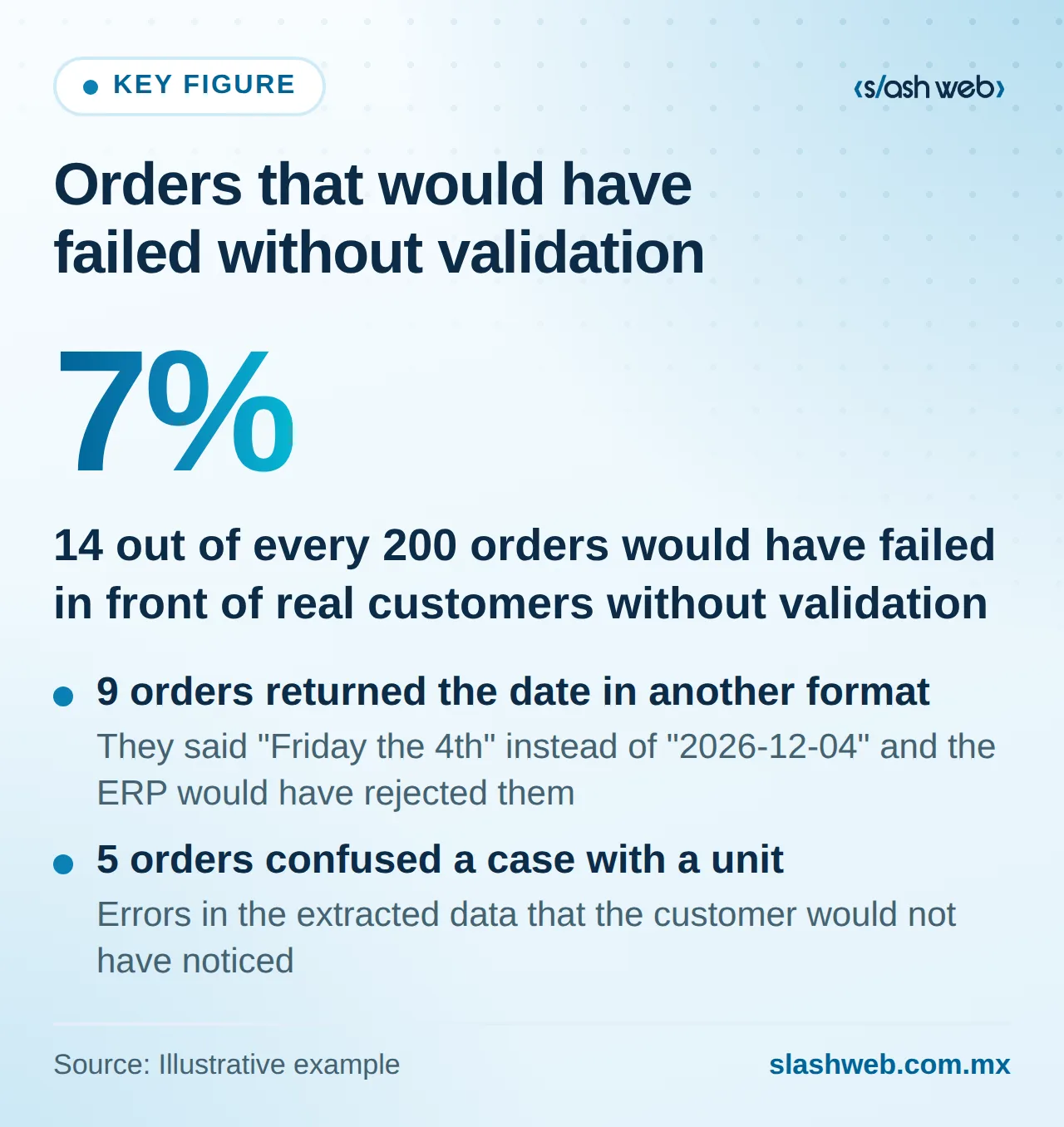
- 9 return the date as "Friday the 4th" instead of "2026-12-04," and the ERP would have rejected them.
- 5 confuse a case with a unit.
- Responses come out about 30% longer: higher cost per conversation and messages that are harder to read on a phone.
With schema validation, an explicit formatting instruction, and a length cap, they rerun the test until all 200 conversations pass. Without that, 14 out of every 200 orders (7%) would have failed in front of real customers.
A guide to migrating AI chatbots without breaking anything
These steps apply to a customer service chatbot, an agent that takes actions, or an internal automation. If you're unsure which one fits your case, our article "AI Agents vs. Chatbots" explains the difference; because agents act on your systems, they require stricter testing.
- Inventory where each model is used. Review code, chatbot platforms, automation tools, custom GPTs, and ChatGPT accounts. Record the model, version, provider, the process it touches, and who depends on it. Result: a spreadsheet listing every point of use, ranked by risk.
- Test with real conversations. Gather 100 to 300 anonymized historical conversations, including those that ended in a complaint or escalation, and run them through both models. Evaluate them using the table above. Result: concrete differences caught before they reach a customer.
- Pin versions. When the provider allows it, configure the exact model identifier instead of a generic alias, and keep your prompts under version control. Result: behavior changes only when you decide it should.
- Prepare your integrations to switch providers. Route all model calls through a middleware layer so that WhatsApp, the CRM, or the ERP don't depend directly on OpenAI, Anthropic, or Google, and keep a fallback model already tested. Result: migrating becomes a configuration change plus testing, not a redesign.
- Roll out in stages. Send a small fraction of traffic to the new model first, monitor format errors, escalations, and cost, and have a rollback to the previous version ready. Result: if something fails, it affects only a few customers.
- Assign an owner. Choose someone on the business side, backed by IT, to receive retirement notices, maintain the inventory, and approve every change. Result: a one-month notice no longer catches you off guard.
At Slashweb, we recommend designing AI agents and WhatsApp chatbots with that middleware layer from the start, so switching models doesn't force you to rewrite the integration. If you're just about to launch one, our guide "WhatsApp AI Agent: How to Serve Customers 24/7" covers the rest of the design.
Relying on a single provider is also a risk
That same week, Anthropic, the company behind Claude, completed the largest IPO on record, and within a few days its stock fell below its $83 offering price. It was the most widely covered AI business story of the week, and Semafor noted that its path to profitability is unclear.
This is not investment advice or a judgment about the company. What matters for your operations is that major AI providers answer to investors, and that can influence their pricing, plans, and model catalogs, on timelines they set. The upside: a publicly traded company has public financial statements you can review when evaluating it.
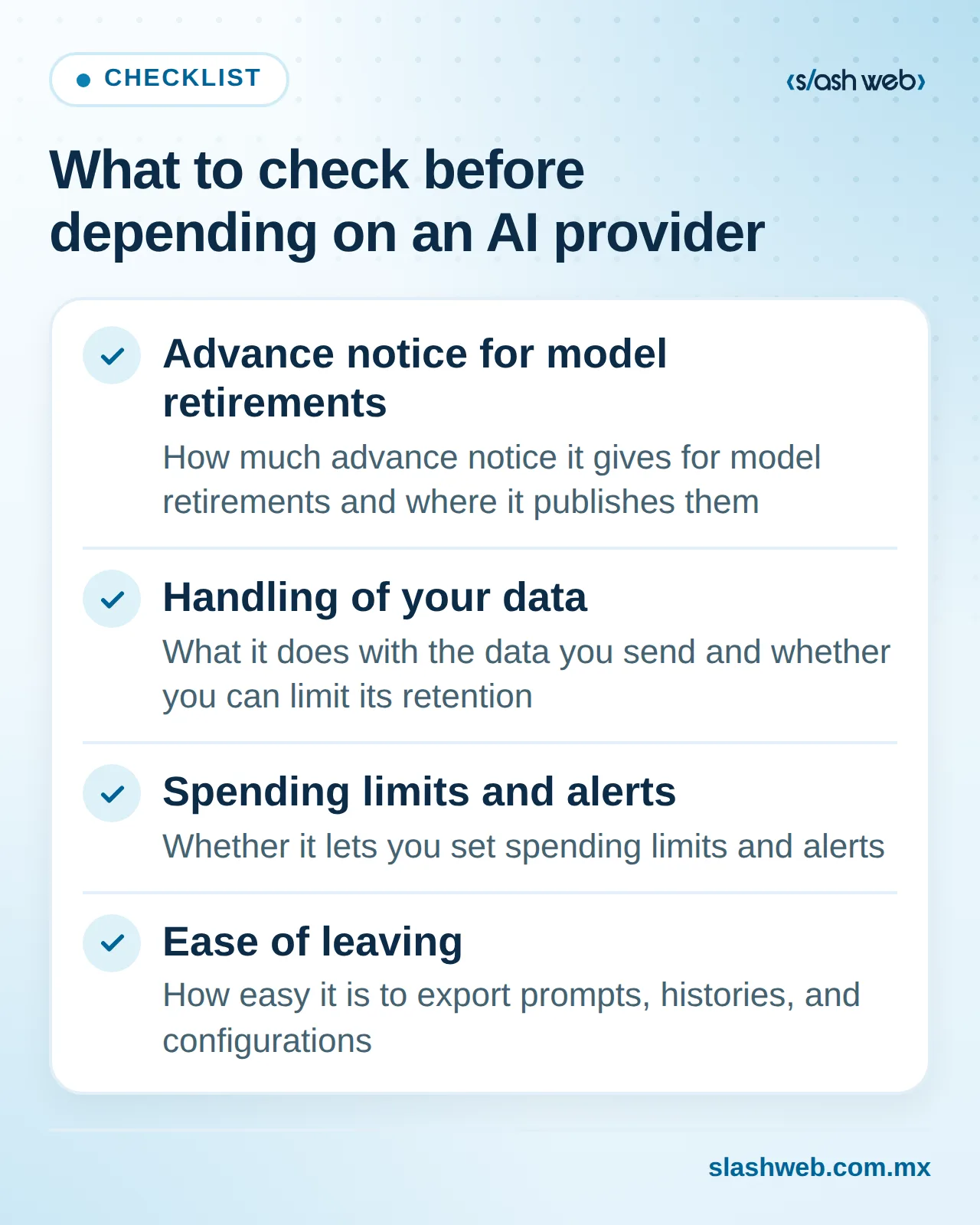
Before you depend on a provider, check:
- How much advance notice it gives for model retirements and where it publishes them.
- What it does with the data you send and whether you can limit its retention.
- Whether it lets you set spending limits and alerts.
- How easy it is to leave: exporting prompts, histories, and configurations.
Common migration mistakes and how to avoid them
- Testing with made-up examples. Easy cases always pass. Use real conversations, especially the ones that went wrong.
- Tweaking the prompt without saving the previous version. If the change makes something worse, there's nothing to go back to. Version your prompts just like code.
- Measuring quality only. A model that answers better but with twice the text makes every conversation more expensive. Track tokens from the pilot onward.
- Leaving validation to IT alone. IT confirms the output is valid; sales and customer service know whether the tone and data are correct.
If your automations move information between systems, apply the same rigor to them; it's part of what we review in AI process automation projects.
What to do this week
- Ask each department for a list of where it uses ChatGPT or other models, including custom GPTs and Codex, and flag anything that depends on GPT-5.6.
- Export 50 recent conversations from your chatbot, including complaints and escalations, as your first test set.
- Check in each integration which exact model and version is being called, and whether your provider has already published a retirement date for that model.
Conclusion: switching AI models should be routine
The GPT-5.6 retirement in ChatGPT has a date, December 23, and the next notice, from this provider or another, will come too. With an inventory, tests using real conversations, pinned versions, a middleware layer, and an owner, switching AI models becomes a controlled process; without them, your customers are the ones who discover the errors.
If you want to validate your chatbots, agents, or automations before the deadline, or prepare your AI integration so you don't depend on a single provider, tell us about your case and we'll review it with you.
Frequently asked questions
Do I need to rewrite my prompts when I switch models?
Not necessarily. It's best to start with the same prompts and adjust only the cases that fail testing. If you change a lot of the wording at once, it will be hard to tell whether an improvement or an error comes from the model or the prompt.
Does having a second AI provider double the cost?
Not necessarily. The fallback model can stay configured and tested without receiving traffic, or handle only specific tasks. The main effort lies in building the integration layer and maintaining the test set, not in day-to-day usage.
How often should I review the models my chatbots use?
A quarterly inventory review is a good starting point, plus every time your provider publishes a retirement notice. It's also wise to rerun your tests whenever you change prompts, integrations, or business rules.
Should I wait until the last day to migrate?
No. Waiting cuts the time you have to fix whatever fails in testing and leaves you no margin if a problem comes up in production. The recommended approach is to migrate early, in stages, with the option to roll back while the previous model is still available.
How long does a model migration take?
It depends on the number of integrations and how critical they are. An informational chatbot with good tests can be migrated quickly, while an agent that records orders or payments in your ERP requires more validation cycles. What speeds up the process most is having your inventory and test conversations ready.
Slashweb
Want to apply this in your company?
Book a free call with a specialist and get a tailored proposal.